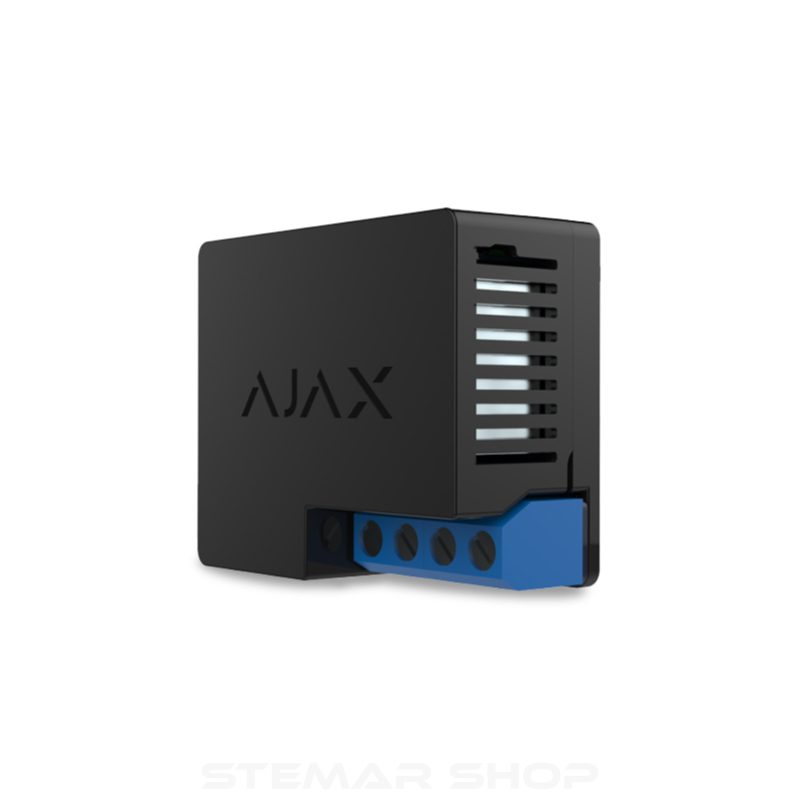


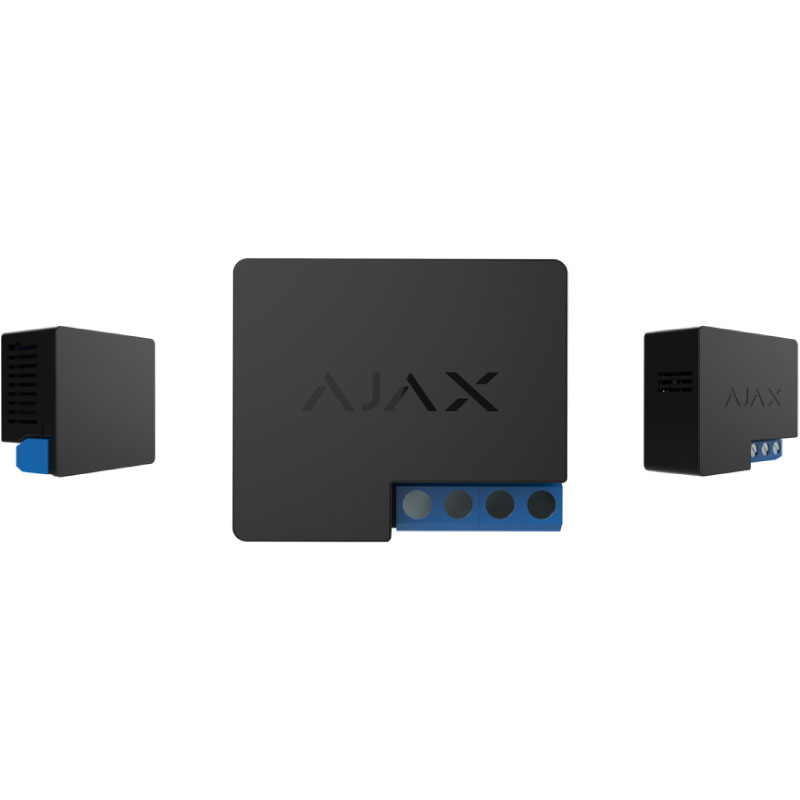
Ajax Relay – Dry Contact for Low Voltage Devices
Original price was: R919.00.R745.00Current price is: R745.00. Incl. VAT
- Wireless dry-contact relay for low-voltage automation
- Controls gates, garage doors, lighting and access devices
- Part of the Ajax security and automation ecosystem
- Remote control via the Ajax mobile app
- Compact design for easy integration into enclosures
Description
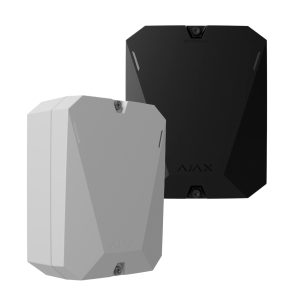
Ajax Relay – Dry Contact for Low Voltage Devices
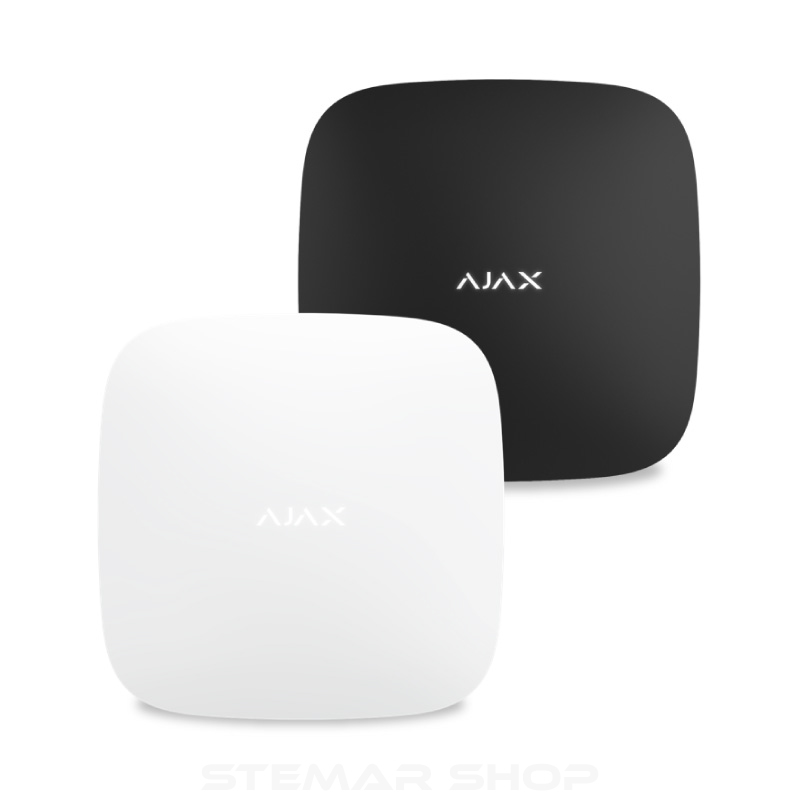
The Ajax Relay is a compact wireless dry-contact module designed to control low-voltage electrical devices as part of an Ajax alarm or automation system. It allows you to remotely switch compatible equipment on or off, or trigger momentary actions, directly from the Ajax app.
Using a dry (potential-free) contact, the Ajax Relay does not supply power to the connected device, making it ideal for safely interfacing with third-party equipment such as gate motors, garage doors, electric locks, lighting controllers and automation panels.
Once paired with an Ajax hub, the Relay can be controlled manually, scheduled, or triggered automatically by system events, scenarios or alarm states, providing flexible and reliable automation for residential and commercial installations.
Key Features
- Dry-contact output for safe integration with low-voltage devices
- Remote on/off control via the Ajax mobile app
- Supports pulse (momentary) or bistable operation modes
- Can be activated by scenarios, schedules or system events
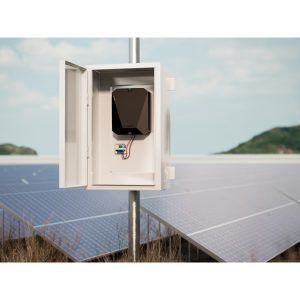
- Compact form factor for installation inside control panels or enclosures
- Encrypted wireless communication with the Ajax hub
Technical Specifications
- Power supply: 7–24 V DC
- Relay type: Dry contact (potential-free)
- Relay modes: Normally Open (NO) / Normally Closed (NC)
- Operating modes: Bistable or pulse (momentary)
- Maximum load:
- 5 A at 36 V DC
- 13 A at 230 V AC
- Wireless protocol: Ajax Jeweller
- Operating frequency: 868.0 – 868.6 MHz
- Compatibility: Works with all Ajax hubs and range extenders
- Installation: Indoor, inside enclosure or protected housing
- Dimensions: 39 × 33 × 18 mm
Typical Applications
- Gate and garage door triggering
- Electric locks and access control systems
- Low-voltage lighting circuits
- Automation panels and controllers
- Custom smart home and security integrations
Additional Information
The Ajax Relay is intended for low-voltage applications only and must be installed in accordance with the connected device’s specifications. Installation inside a suitable enclosure is recommended to ensure protection and compliance.
What’s in the Box
- Ajax Relay module
- Installation guide
IMPORTANT – COMPATIBILITY & VOLTAGE NOTICE
Ajax Relay is a dry-contact (potential-free) device and does not supply power to connected equipment.
It is intended for low-voltage control circuits only and must be wired according to the specifications of the device being controlled.
Ajax Relay must not be connected directly to mains voltage (220–240V AC).
Incorrect wiring or use outside the supported voltage range may result in device damage and will void the warranty.
Installation inside a suitable enclosure by a competent installer is strongly recommended.
Ajax Relay vs Ajax WallSwitch – Which One Do I Need?
| Feature / Use Case | Ajax Relay | Ajax WallSwitch |
|---|---|---|
| Output type | Dry contact (potential-free) | Powered output |
| Supplies power to device | ❌ No | ✔ Yes |
| Suitable for low-voltage trigger inputs | ✔ Yes | ❌ No |
| Suitable for switching mains devices | ❌ No | ✔ Yes (within rated limits) |
| Typical applications | Gate triggers, garage doors, access control inputs, automation panels | Lights, pumps, heaters, mains-powered appliances |
| Voltage at output | No voltage (external supply required) | Outputs mains voltage |
| Best used when | You need to trigger or interface with another system | You need to switch power to a device |
Quick Selection Guide
Choose Ajax Relay for dry-contact triggering and low-voltage control.
Choose Ajax WallSwitch for switching mains-powered devices.

Related products
- Quick view

-
Sale!
- Alarm Systems, Glass Break Detectors, Indoor Detectors, Smart Alarm Systems
Ajax GlassProtect
- Original price was: R1,318.00.R1,159.00Current price is: R1,159.00. Incl. VAT
-
Sale!
- Quick view
-
Sale!
- Alarm Accessories, Alarm Systems, Communication Modules, Smart Alarm Systems
Ajax SpeakerPhone Jeweller
- Original price was: R2,754.00.R2,476.00Current price is: R2,476.00. Incl. VAT
-
Sale!
- Quick view
- Alarm Hubs & Control Panels, Alarm Systems, Smart Alarm Systems
Ajax Hub BP Jeweller
- R5,214.00 Incl. VAT
- Quick view
-
Sale!
- Alarm Systems, Smart Alarm Systems, Smoke & Fire Detection
Ajax FireProtect 2 RB (Heat / Smoke / CO)
- Original price was: R2,607.00.R2,224.00Current price is: R2,224.00. Incl. VAT
-
Sale!